How to Fix a Coffee Scale That’s Giving Inaccurate Readings
Place your coffee scale on a flat, stable surface-like granite or solid wood-and avoid wobbly counters or slick marble unless you use a non-slip mat. Test it with a 200g calibration weight, not coins, and check for consistent results within 0.5g. Calibrate following your model’s instructions-especially for Acaia or Hario-and never touch it during calibration. Clean spills and debris with a damp cloth, and make sure nothing’s stuck underneath. Swap in fresh batteries if power’s weak. There’s more to getting every gram right.
Notable Insights
- Place the scale on a flat, stable surface and use a bubble level to ensure it is perfectly level.
- Test accuracy with a calibrated weight, checking for consistent readings within 0.5g across three trials.
- Perform calibration according to the manufacturer’s instructions, avoiding any contact during the process.
- Clean the scale thoroughly, removing debris from the platform and checking for particles under the sensor.
- Replace old batteries or ensure full charge and reset the scale to resolve power-related inaccuracies.
Check Your Coffee Scale’s Surface and Placement
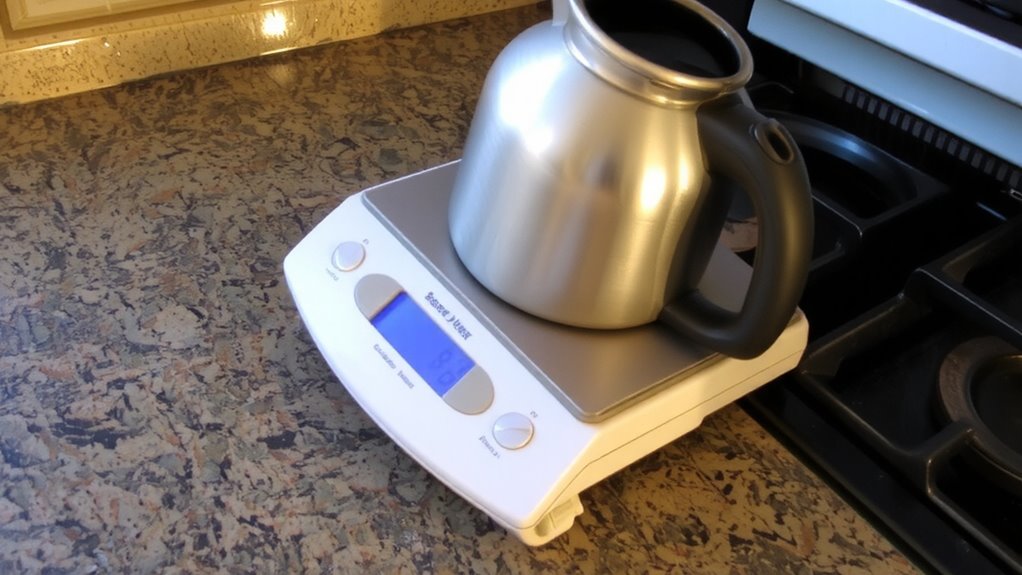
For accurate readings, start by placing your coffee scale on a flat, stable surface-uneven or wobbly tables can throw off measurements, especially with precision models like the Acaia or Hario. A level surface guarantees the load cells register weight correctly, minimizing drift and calibration errors. Even slight tilts can skew results, so check with a small bubble level if needed. Keep your scale away from edges where bumps might disturb it. Vibrations from nearby appliances or foot traffic also interfere, so aim for a stable environment-like a solid countertop in a low-traffic area. Avoid slick surfaces like glass or marble without a non-slip mat underneath, as the scale can shift during use. Silicone pads help anchor it securely. Good placement isn’t just convenient; it’s essential for repeatable results. Consistency starts long before you hit “tare.” For best long-term accuracy, consider models known for durability and consistent performance, such as those featured in the Best Coffee Scales roundup.
Test Accuracy With a Known Weight
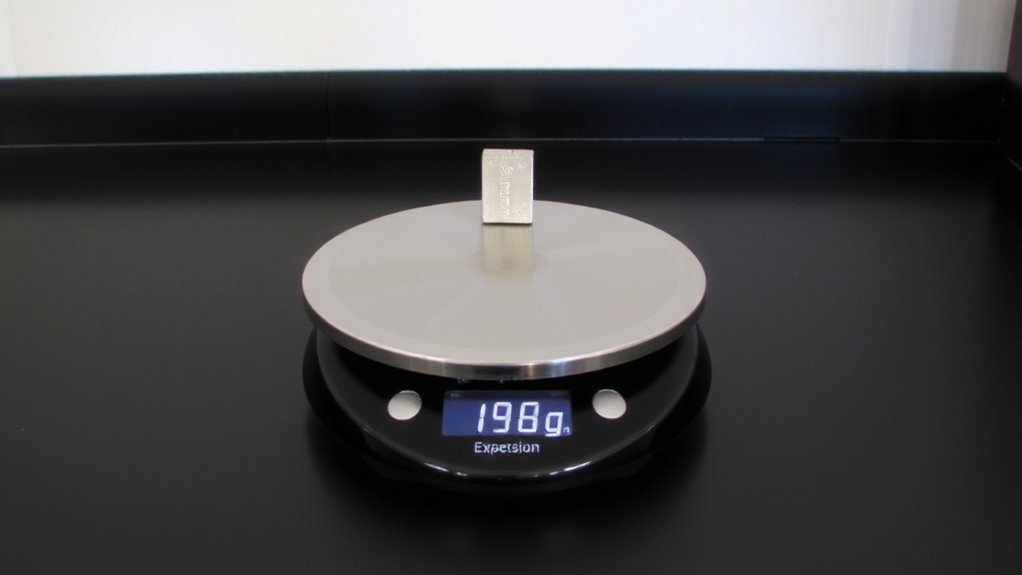
You’ve got your scale on a solid, level spot-now it’s time to see if it’s actually measuring correctly. Use a known weight-like a 200g calibration weight or a labeled stainless steel weight-to test precision. Place it gently on the center of the scale. Does the reading match the actual weight? Repeat three times to verify consistency. Even small deviations can affect your brew, especially in espresso.
| Test # | Reading (g) |
|---|---|
| 1 | 200 |
| 2 | 201 |
| 3 | 200 |
If results vary more than 0.5g, your scale may need attention. Stainless steel weights are ideal-they’re stable and accurate. Avoid using coins or household items; they’re less reliable. A consistent reading builds trust in your tool, ensuring every gram counts when measuring coffee. For reliable performance, consider models highlighted in the Top Picks & Buying Guide.
Calibrate Your Coffee Scale Correctly
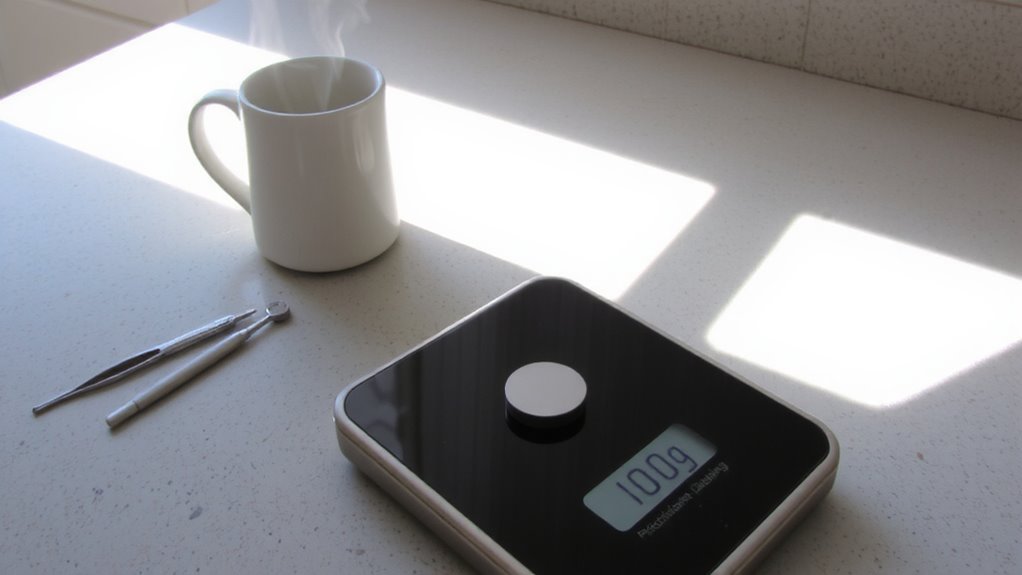
If your scale shows inconsistent readings during testing, it’s time to calibrate-this step resets the internal mechanism so measurements stay precise. Start by placing the scale on a flat, stable surface away from environmental vibrations like kitchen appliances or foot traffic, as even slight shakes can skew results. Turn it on and wait for it to stabilize, then press the calibration button-most models use a specific button combination or require a known calibration weight. During calibration, don’t touch the scale or use the tare function, since that interrupts the process. Follow the manufacturer’s instructions exactly; brands like Hario, Acaia, and Escali have different procedures. An incorrect calibration leads to persistent inaccuracies. Once done, test with a known weight again to confirm. Proper calibration guarantees consistency-essential for repeatable espresso or pour-over brews. For the best results, consider using a scale designed for high precision, such as those highlighted in the best coffee scales roundup.
Clean Spills and Debris That Affect Readings
After every brew, coffee grounds and water spills can settle around the edges or underneath the scale’s platform, leading to uneven surfaces or interference with the sensor. Over time, accumulated debris and coffee stains can cause inaccurate readings. You might not notice at first, but even small residues contribute to sensor obstruction, especially on sensitive digital models like the Hario V60 or Acaia scales. To prevent this, unplug the scale and wipe the surface with a slightly damp cloth. Avoid soaking it-water can seep in and damage internal components. For stuck-on grinds or dried coffee stains, use a soft brush or cotton swab with a drop of mild soap. Check underneath the platform too, since trapped particles affect balance. Regular cleaning keeps the sensor unobstructed and guarantees consistent, precise measurements every time. Don’t skip this-it’s a quick fix with real impact.
Fix Wrong Units or Power Fluctuations
Why is your scale suddenly reading in grams when you need ounces-or not turning on at all? Wrong units and power fluctuations are common but fixable issues. Most digital coffee scales have a unit conversion button-often labeled “g/oz” or “mode”-that toggles between metric and imperial. Press it until your preferred unit displays. If the scale won’t turn on, check the batteries; weak power causes erratic behavior and poor power stability. Replace old batteries, even if the scale seems to work intermittently. For scales with AC adapters, make certain the connection is secure and the outlet works. Some models, like the Acaia Lunar, rely on rechargeable batteries that degrade over time, affecting accuracy and power stability. Inconsistent power can disrupt calibration. Always power your scale fully before use. Resetting the scale per the manufacturer’s instructions may also restore proper function.
On a final note
You’ve checked the surface, tested with a known weight, calibrated properly, cleaned debris, and confirmed units and power. If your scale still gives off readings, it may need replacement. Models like the Hario V60 Drip Coffee Scale or the Acaia Lunar are reliable but aren’t immune to long-term wear. For consistent brewing, accuracy matters. When fixes fail, investing in a new, high-precision scale saves time and improves coffee quality in the long run.