Step-by-Step Guide to Wiping Down a Coffee Machine’s Exterior Surfaces
Always unplug your coffee machine before cleaning to prevent shocks or short circuits. Use a microfiber cloth with mild soapy water-never bleach or ammonia-and avoid paper towels to prevent lint and scratches. Wipe from top to bottom with gentle strokes, following the grain on metal surfaces. Clean buttons and vents with a damp lint-free cloth and dry swab. Finish by buffing with a dry microfiber cloth for a streak-free shine-there’s more to get right if you want it done safely every time.
Notable Insights
- Unplug the coffee machine before cleaning to prevent electric shock and accidental startup.
- Use a microfiber cloth and mild soapy water to safely wipe down exterior surfaces without scratches.
- Start from the top and work downward using gentle, even strokes to avoid damaging finishes.
- Clean buttons, screens, and vents with a slightly damp lint-free cloth and dry cotton swab.
- Finish by drying with a clean microfiber cloth, buffing in circular motions for a streak-free shine.
Unplug Your Coffee Machine for Safety
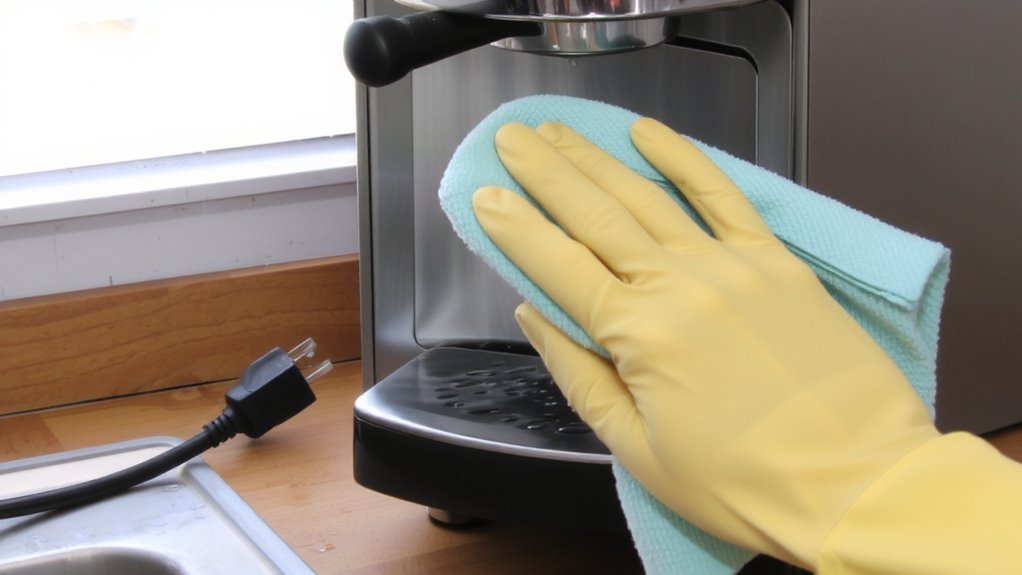
Before you start wiping down your coffee machine, make certain to unplug it-this simple step prevents accidental startups and reduces the risk of electric shock, especially if water or cleaning solution gets near electrical components. You’re dealing with both electrical hazards and potential heat damage when the machine’s plugged in. Even if it’s off, residual power can linger, and a spill near wiring or outlets might short the system or cause sparks. Unplugging eliminates that risk entirely. Also, many coffee machines retain internal heat long after use, so contact with hot surfaces during cleaning could result in burns or melt a cleaning cloth. Waiting isn’t always necessary, but disconnecting guarantees safety regardless. Skipping this step might save a few seconds, but it’s not worth the potential for injury or damaging your equipment. Always unplug first-it’s the most effective way to protect both you and your machine.
Choose a Safe Cloth and Cleaner
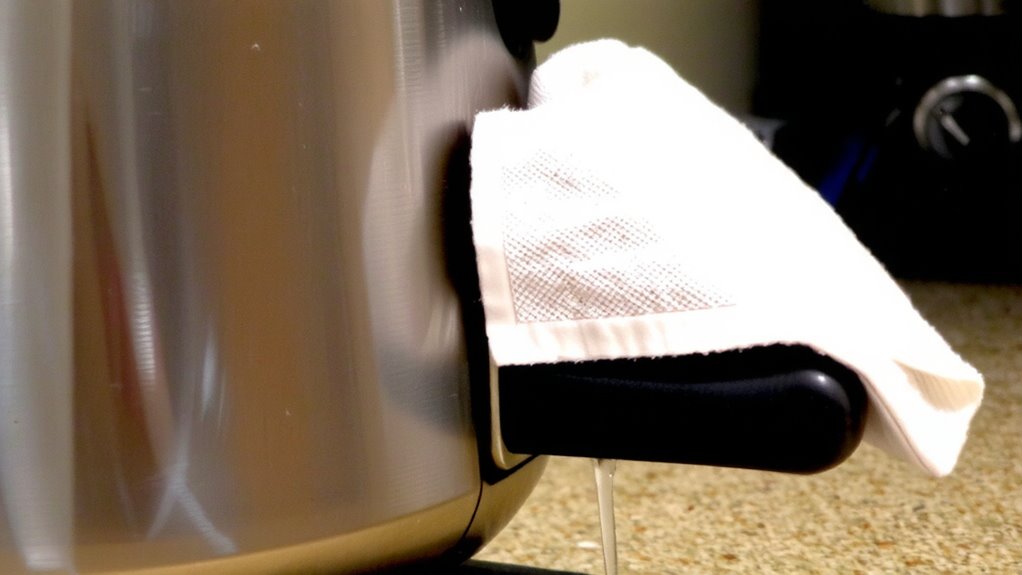
A clean cloth and the right cleaner make all the difference when maintaining your coffee machine’s exterior. Always use a microfiber cloth-it’s lint-free, soft, and traps dust without scratching surfaces. Avoid paper towels or rough fabrics that can leave streaks or damage finishes. Pair it with a mild detergent diluted in water-this is gentle yet effective on grime. Never use bleach, ammonia, or abrasive cleaners; they can degrade plastic and rubber parts over time.
Here’s a quick reference:
| Cloth Type | Cleaner Type | Safe for Machine? |
|---|---|---|
| Microfiber cloth | Mild detergent | Yes |
| Paper towel | Vinegar solution | No |
| Cotton rag | All-purpose spray | No |
| Sponge | Dish soap (diluted) | Yes (if non-abrasive) |
Stick to these simple choices for long-term care.
Wipe Down All Exterior Surfaces
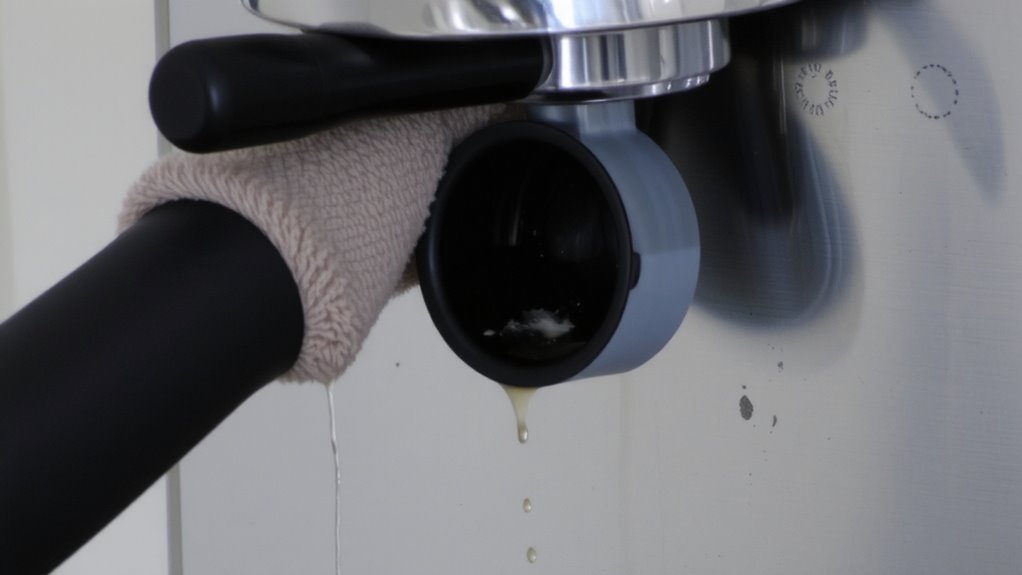
While you’ve already chosen the right cloth and cleaner, it’s time to put them to work by wiping down all exterior surfaces of your coffee bean. Start at the top and move downward, using gentle, even strokes to avoid scratching. Pay close attention to surface durability-avoid abrasive pads on glossy plastics or stainless steel finishes, as they can compromise long-term resilience. Always guarantee material compatibility: vinegar-based cleaners may dull polished metals, while ammonia-based products can cloud plastic displays. For most machines, a damp microfiber cloth with mild dish soap works safely. Wipe handle edges and crevices where grime collects, but don’t let moisture pool near seams. If your machine has a brushed metal finish, follow the grain to preserve its look. This simple routine maintains appearance and function. Regular wiping prevents buildup that could affect performance or shorten the machine’s lifespan. For an even better coffee experience, consider using best cups for latte art to enhance both presentation and temperature control.
Clean Buttons, Vents, and Screens
Since grime and oils from your fingers can accumulate on touchpoints, you’ll want to tackle buttons, vents, and screens with care. Use a soft, lint-free cloth slightly dampened with water or mild soapy solution-avoid spraying directly to protect sensitive electronic components. Gently wipe buttons and screen surfaces to remove residue without forcing them, which could damage internal mechanisms. For vents, use a dry cotton swab or soft brush as your cleaning tools to dislodge dust and coffee particles that can obstruct airflow. Never use abrasive pads or harsh chemicals, as they may degrade surfaces or harm displays. Pay attention to crevices where debris collects. Regular maintenance prevents buildup and guarantees smooth operation. Keeping these areas clean supports both hygiene and machine longevity, especially on models with digital interfaces or touchscreens.
Finish With a Dry, Streak-Free Shine
Now that you’ve cleaned the buttons, vents, and screen, turn your attention to the final step: giving the coffee machine’s exterior a dry, streak-free finish. Use a clean, dry microfiber cloth to polish gently all surfaces. This removes residual moisture and prevents water spots. For stainless steel models, always wipe with the grain to avoid scratches. Buff thoroughly in small circular motions to enhance shine and eliminate lint. Avoid paper towels-they can leave behind residue or cause micro-scratches.
| Surface Type | Recommended Cloth | Notes |
|---|---|---|
| Stainless Steel | Microfiber | Follow grain direction |
| Plastic | Soft cotton | Non-abrasive only |
| Glass Panel | Lint-free cloth | Prevents streaks |
| Painted Finish | Dry microfiber | Avoid moisture buildup |
| Touchscreen | Microfiber | Do not spray directly |
A final polish gently guarantees your machine looks clean and stays protected.
On a final note
You’ve wiped down the exterior, cleaned the buttons and vents, and dried the surface to prevent streaks. Routine cleaning keeps your machine looking sharp and functioning well. Don’t use abrasive cloths or harsh chemicals-they can damage finishes. A microfiber cloth and mild dish soap work best for most models, like Keurig or Breville. Do this weekly to avoid buildup. Always unplug first. It’s simple, safe, and makes a difference.