
Why Your Coffee Maker’s Timer Isn’t Working Correctly
Your coffee maker’s timer may not work because a power outage reset it-most models revert to 12:00 without backup power. You might’ve missed setting the clock first, especially on Hamilton Beach or Cuisinart models. Nearby electronics like microwaves can interfere, or the outlet could have unstable voltage. If the display flickers or programming fails, check the circuit or try a surge protector. Push-start works but timer doesn’t? It’s likely a hardware issue. Fixing common mistakes could solve it.
Notable Insights
- Electronic signals from appliances like microwaves can interfere with the coffee maker’s internal clock, especially in older models with minimal shielding.
- Power outages or surges often reset the timer, causing it to revert to default settings like 12:00, especially in models without backup power.
- An incorrectly set clock-such as wrong AM/PM or 12-hour vs. 24-hour format-can delay or prevent scheduled brewing.
- Mistaking the delay time for start time or skipping programming steps can lead to timer malfunctions on models requiring separate clock and timer setup.
- Faulty outlets, shared circuits, or degraded internal hardware may cause flickering displays or timer failure, even if the brew function still works manually.
Why Your Coffee Maker Timer Isn’t Working
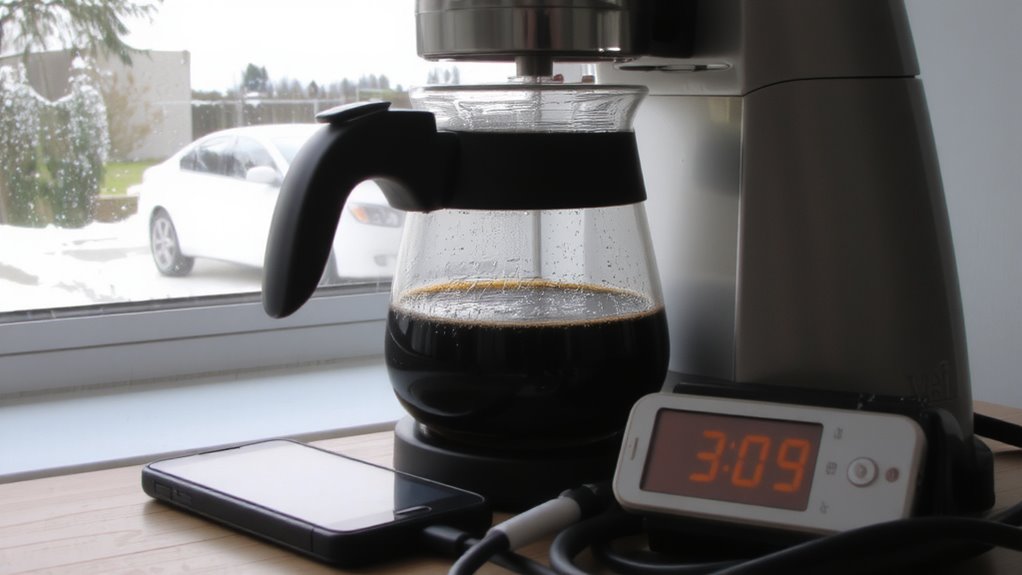
Why won’t your coffee maker start brewing at the set time? Timer interference could be the culprit. Electronic signals from nearby appliances-like microwaves or refrigerators-might disrupt your machine’s internal clock. This is common in older models with less shielding. An electrical surge, even a small one, can also scramble the timer settings without tripping a breaker. That surge might not damage the whole unit, but it can reset or corrupt the programming. If your coffee maker isn’t responding to scheduled brews, check if the display is flashing or blank. Try unplugging the unit for a few minutes to reset it. Keep it on a dedicated outlet, away from high-power devices, to reduce interference. Surge protectors help prevent future issues. Not all coffee makers handle power fluctuations equally-models like the Hamilton Beach 46205 include surge resistance, while basic ones may lack protection.
Does a Power Outage Reset Your Coffee Maker?
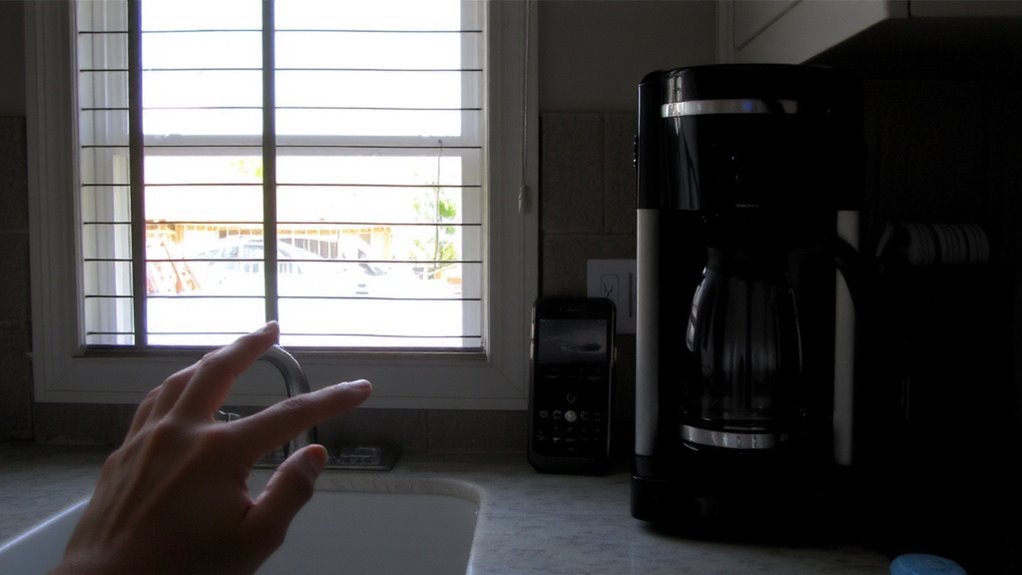
If the power flickers or cuts out, your coffee maker’s timer will likely reset, especially in models without backup power or surge protection. When electrical grid stability is poor, even brief outages can disrupt internal programming. Most basic models rely solely on continuous power, so once the circuit breaks, the clock defaults to 12:00. A power surge impact can also damage circuitry, particularly in older units without built-in safeguards. You might not notice the reset until your morning brew fails to start. To prevent this, consider plugging your machine into a surge protector or an uninterruptible power supply. Higher-end models, like certain Breville or Technivorm units, sometimes include battery backups or capacitors to maintain settings during short outages. While convenient, they’re not immune to prolonged power loss. Check your manual to see if your unit has any protection features. If not, expect resets and plan accordingly. For reliable performance, consider investing in one of the top programmable coffee makers that offer advanced power resilience features.
Did You Set the Clock Correctly?
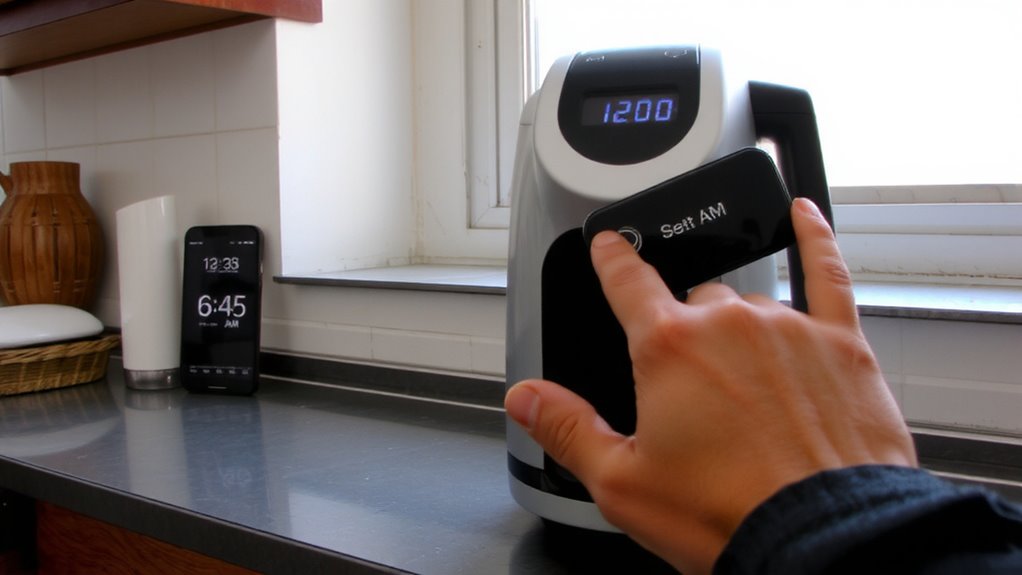
Could your morning brew be failing simply because the clock’s not set right? It’s a common oversight. If your coffee maker’s timer isn’t triggering, the issue might be incorrect clock settings. Most models require you to manually set the time after plugging in, especially following a power outage. Double-check the display-does it show the correct hour and minute? Many machines default to 12-hour time format, but some let you switch to 24-hour. If you’re off by AM or PM, your brew won’t start when expected. Refer to your model’s manual to confirm the correct steps for adjusting clock settings. For example, brands like Hamilton Beach or Cuisinart typically use a “Clock” button held for a few seconds. Incorrect time format selection can silently disrupt your schedule. Setting it right takes seconds but guarantees your coffee maker activates on time, every time. A reliable top timed coffee maker ensures consistent performance with user-friendly programmable features.
Common Timer Programming Mistakes
You’ve checked the clock and confirmed the time’s set right, but your coffee maker still isn’t brewing on schedule-so the problem might not be the time display, but how the timer was programmed. Incorrect settings are a common culprit. Maybe you set the delay time instead of the start time, or mixed up AM and PM. Some models, like drip brewers from Hamilton Beach or Mr. Coffee, require you to program both the clock and the timer separately. Skipping a step leads to delayed brewing-or no brewing at all. Always verify that the timer function is turned on and matches your intended brew time. Also, avoid pressing extra buttons by accident; some controls are sensitive. Double-check the manual for your specific model, since button sequences vary. Clear, step-by-step input prevents errors. Small mistakes in setup cause big differences in results.
How to Reset the Timer on Your Coffee Maker
Why isn’t your coffee maker brewing on time, even after you set the clock and timer? It might need a reset. Start by unplugging the machine for 30 seconds-this clears any glitches affecting timer calibration. Plug it back in and set the clock again, making sure the time format (12- or 24-hour) matches your preference. Some models, like certain Cuisinart and Mr. Coffee makers, include time zone settings that can interfere if changed during daylight saving adjustments. If yours has this feature, double-check it’s configured to your local zone. Proper timer calibration guarantees the schedule runs accurately. Skipping this step can delay or cancel brewing. Press the “set” or “clock” button as instructed in the manual-don’t assume settings saved automatically. Resetting restores default timing functions, eliminating programming hiccups without needing repairs.
Is the Outlet Causing Your Timer to Fail?
How often do you check the outlet when your coffee maker’s timer fails? It’s easy to overlook, but the outlet could be the real issue. Older outlets, especially those over 10 years old, may not deliver consistent power due to wear or outdated wiring-this outlet age factor can mess with digital timers. If the outlet supplies unstable voltage, your coffee maker might not retain settings. Also, electrical interference from nearby appliances like microwaves or refrigerators can disrupt timer signals, especially on shared circuits. Try plugging your coffee maker into a different outlet, preferably one not used by high-power devices. A dedicated circuit reduces interference risks. Use a simple outlet tester to check for wiring faults. If the outlet is old or faulty, have an electrician replace it. Don’t assume the coffee maker is broken-rule out the power source first.
Signs the Timer Hardware Is Broken
If the outlet and power supply aren’t the issue, the problem might lie within the timer hardware itself. You might notice the display flickering or not turning on at all-common signs of faulty circuitry. If your coffee maker doesn’t start at the set time, even after resetting, worn gears inside the timer mechanism could be to blame. These components degrade over time, especially in older models like basic Hamilton Beach or Mr. Coffee machines. The motor may still run, but the timing function lags or skips entirely. You won’t hear the usual soft click signaling cycle start. Push-start functions might work, further pointing to timer failure. Unlike software glitches in smart brewers, worn gears and faulty circuitry require physical repair or replacement. Since most consumer models aren’t designed for easy fixes, replacing the unit is often more cost-effective than repair.
On a final note
Your coffee maker’s timer issues usually stem from simple fixes. Check if a power outage reset the clock, then verify the time and brew settings are correct. Make sure the outlet works and the plug’s secure. If problems persist, reset the device per the manual-models like Mr. Coffee or Cuisinart have specific steps. If the timer still fails, the internal hardware may be faulty, and repair isn’t always cost-effective.