Troubleshooting a Grinder That’s Jammed Mid-Operation
Unplug your grinder right away to stay safe. Check the burr chamber-jams often happen in models like the Baratza Encore from oily beans or overfilling. Clear stuck grounds with a dry brush or chopstick, never water. Inspect blades for dullness or damage, and clean monthly with grinder tablets. Avoid overloading; stick to 200 grams max. Keep it dry and clean to prevent future jams-there’s more to getting consistent grinds with the right routine.
Notable Insights
- Unplug the grinder immediately to ensure safety before inspecting for jams.
- Clear the grinding chamber of stuck beans using a dry brush or pipe cleaner.
- Check blades for damage or misalignment, as worn blades can cause grinding issues.
- Avoid overloading by grinding smaller batches within the manufacturer’s capacity limits.
- Perform regular cleaning to prevent residue buildup that may lead to clogs and jams.
Unplug and Inspect Safely
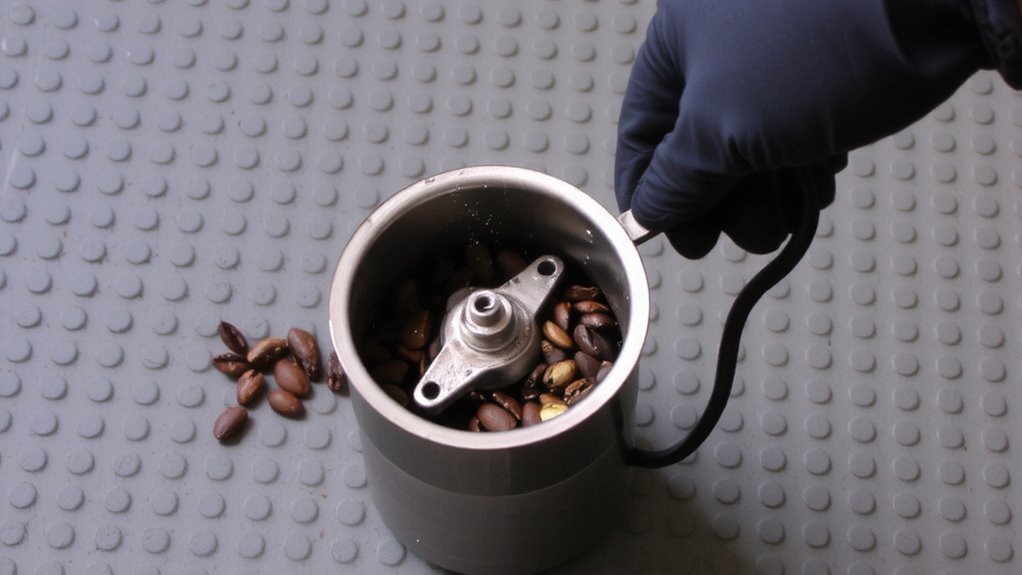
Before you start poking around inside your grinder, make sure it’s unplugged-safety comes first, and you don’t want any accidental spins or shocks. Electrical safety is critical; even a small lapse can lead to injury, especially with models like the Baratza Encore or Fellow Ode, which have powerful motors. Once unplugged, begin a mechanical inspection by checking the exterior for cracks, loose parts, or signs of overheating. Look at the power cord for fraying or damage that might pose a hazard. Don’t skip this step-visible wear can signal deeper issues. Use a flashlight if needed, and guarantee hands are dry to avoid any conductivity risks. This basic inspection helps catch problems early and protects both you and the machine. Skipping electrical safety or mechanical inspection might save seconds now but could cost time, money, or worse later.
Clear the Jammed Grinding Chamber
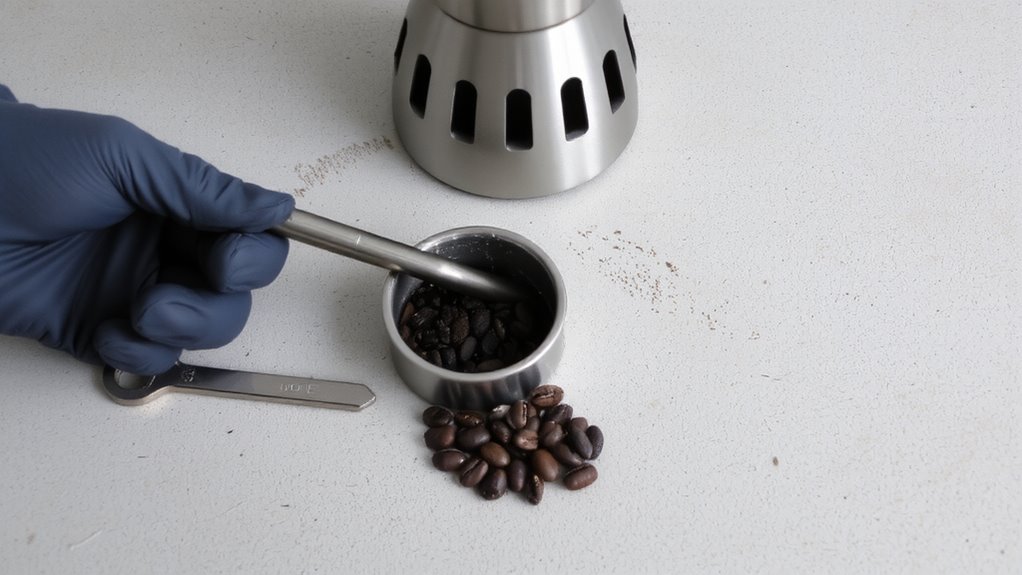
While the grinder’s motor and burrs are designed to handle daily use, coffee grounds or beans can sometimes become compacted in the grinding chamber, causing a jam that stops operation mid-grind. You’ll need to clear any grinding residue and check for internal obstructions before continuing. Start by removing the bean hopper and grounds container. Use a dry brush or soft cloth to wipe away stuck grounds-avoid water, as moisture can clump residue further. For stubborn blockages, a pipe cleaner or small tool like a chopstick can dislodge material without damaging parts. Most grinders, like the Baratza Encore or Cuisinart DBM-8, have accessible chambers, but always follow your model’s manual. Don’t force anything; pushing too hard can worsen internal obstructions. Once cleared, reassemble carefully. Test with a small batch. If the grinder still struggles, the issue may go beyond residue-possibly motor or blade problems. A high-quality cleaning brush can make debris removal faster and more effective, especially in tight spaces between burrs.
Inspect Blades for Dullness or Damage
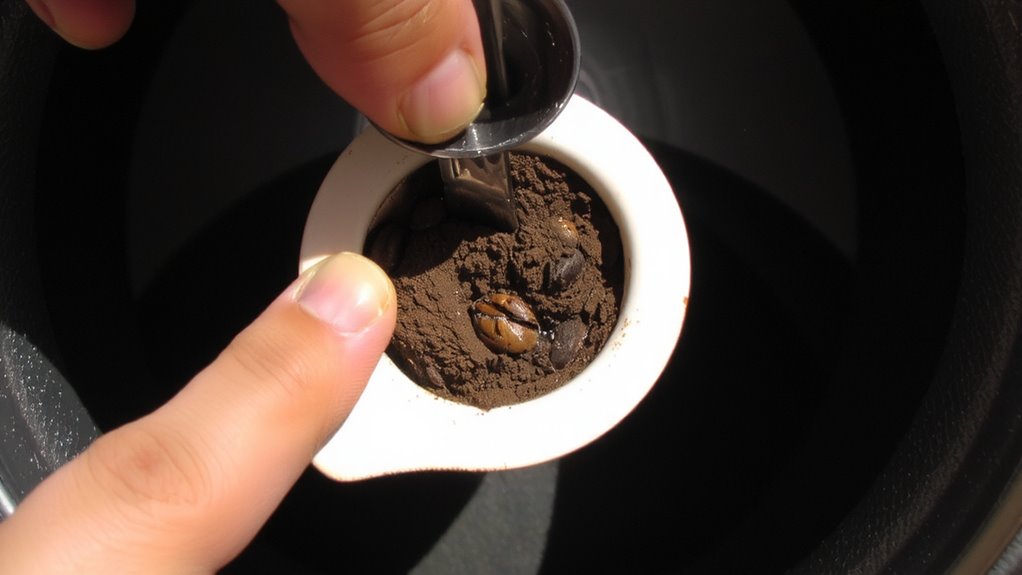
Dull or damaged blades can quietly ruin your grind quality, leading to uneven coffee particles that affect extraction and flavor. You’re likely dealing with inconsistent shots or flat-tasting coffee if your blades aren’t sharp or properly aligned. Check for nicks, warping, or flattened edges-common with frequent use, especially in blade grinders. Poor blade alignment reduces efficiency and increases heat, which damages coffee oils. If your grinder hasn’t been cleaned in months, you may also face corrosion prevention issues, especially in humid environments. Stainless steel blades resist rust better, but moisture and coffee oils still invite buildup. Wipe blades dry after cleaning and inspect them monthly. While burr grinders offer better consistency and less heat, blade grinders demand more vigilance. Replace blades every 6–12 months depending on use. Regular inspection guarantees performance and extends your grinder’s life. For those seeking more consistent results, consider upgrading to a burr grinder.
Avoid Overloading Your Grinder
You’ve checked your blades and confirmed they’re sharp and in good shape, but there’s another common issue that can strain your grinder and compromise your coffee: overloading. Dumping in more beans than your grinder can handle leads to motor strain, which over time can damage internal components or cause stalled grinding. Every grinder has capacity limits-check your manual for max hopper or chamber volume. For example, the Baratza Encore caps at 200 grams, and exceeding that risks overheating the motor. Even intermittent overfilling forces the motor to work harder, increasing wear. To prevent this, grind in smaller batches if you need more coffee. This also improves consistency, since beans move freely through the burrs. Avoid treating the hopper like a long-term storage bin, as sitting beans can contribute to clogs. Staying within capacity limits keeps your grinder efficient and extends its life. A reliable choice for consistent grinding performance is the Baratza Encore.
Fix Common Causes of Grinder Jams
If your grinder suddenly stops turning during use, the issue might not be the motor or blades but something simpler-coffee grounds or bean fragments caught in the burr pathway. Turn off and unplug the grinder, then carefully disassemble the burr assembly to remove any blockages. Check for signs of excessive heat or friction, which might signal poor grinder lubrication-applying a food-safe lubricant can reduce resistance and prevent recurrence. Also, inspect the motor alignment; if the drive shaft feels off or wobbles slightly, misalignment could be straining the system. A misaligned motor forces components to bind, increasing jam risk. Reassemble everything firmly but not overtightened. Test with a small batch. These checks-clearing debris, ensuring proper lubrication, and verifying motor alignment-are fast fixes that often restore smooth operation without needing part replacements.
Maintain Your Grinder to Prevent Jams
A well-maintained grinder runs more reliably and saves you from frequent jams. Regular cleaning is essential-coffee oils build up over time, clogging burrs and slowing performance. Wipe down burrs weekly with a dry brush, and deep-clean monthly using grinder tablets or uncooked rice. This keeps residue from gumming things up. Always remove old grounds trapped in the chute or hopper to prevent blockages. Proper storage matters too: keep your grinder in a dry place, away from moisture and heat. If you use whole bean coffee daily, leave beans in the hopper only for short periods to reduce static and clumping. For long-term storage, empty the hopper entirely. Avoid exposing the grinder to humidity, which causes grounds to expand and jam mechanisms. These small habits extend lifespan and maintain grind consistency-critical for better-tasting coffee.
On a final note
You’ve cleared the jam and checked the blades-now run a test with a small grind to confirm smooth operation. Avoid overfill entitlement, and stick to recommended capacities for your model. Regular cleaning and occasional blade inspection prevent most issues. For frequent jams, consider a burr grinder like the Baratza Encore-it handles bulk better than most blade types. Stay consistent with maintenance, and your grinder will deliver reliable results.