How to Prevent Spillage During Dosing With a Static-Prone Grinder
Tame static spillage by lightly dampening beans with a few drops of water or a quick spray before grinding-they’ll stay fresh and flow better. Use a paper filter in the portafilter or bin to absorb charge, especially with plastic grinders like the Baratza Encore. Grind right before dosing and transfer grounds immediately to cut down on flyaways. Keep humidity between 40–60% and consider a Niche Zero or DF64 if you’re upgrading. There’s more to fine-tuning this process depending on your setup.
Notable Insights
- Lightly dampen coffee beans with a few drops of water before grinding to reduce static-induced spillage.
- Use a paper filter in the portafilter or grind bin to absorb static charge and catch flying grounds.
- Grind immediately before dosing to minimize static buildup and airborne particles.
- Opt for a slightly coarser grind setting to decrease static cling and improve dosing control.
- Maintain ambient humidity between 40–60% to naturally reduce static during grinding and dosing.
Fix Static Fast: Try These Tricks First
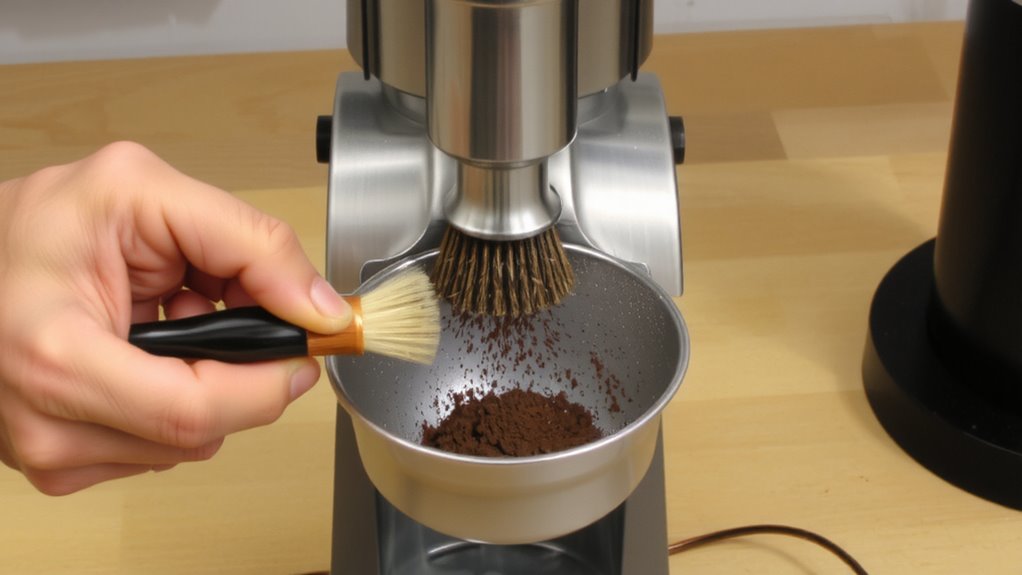
Why does your coffee grinder seem to kick up more static than a science experiment? Dry beans and low humidity create charge, making grounds cling to your burrs and hopper. Fix this fast with simple, proven tricks. First, lightly dampen beans with a few drops of water-this reduces static without hurting ground freshness. Many baristas use a Mister or spray bottle to mist beans before grinding. Another option: adjust your dose timing. Grind immediately before brewing to maintain particle consistency and reduce airborne fines. Some grinders, like the Niche Zero or DF64, manage static better due to design. Avoid plastic parts when possible-metal reduces static buildup. These quick fixes help you dose cleanly and keep grounds where they belong. No tools needed, just small changes that work now.
Adjust Your Grind for Less Static Cling
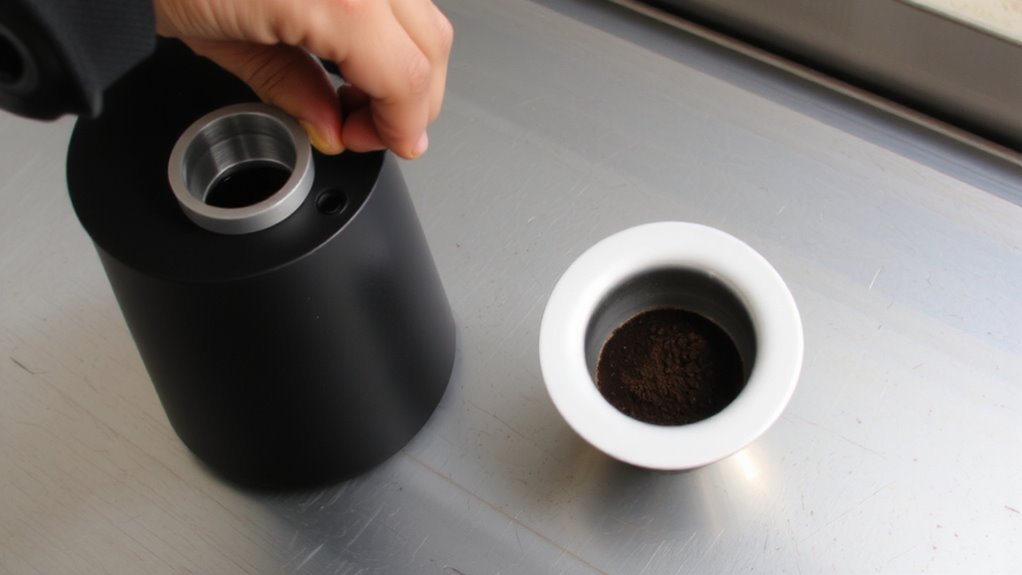
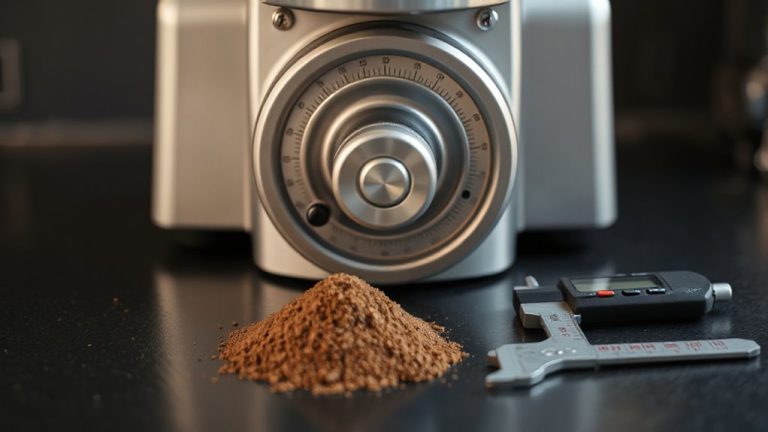
A slight tweak to your grind setting can make a noticeable difference in reducing static cling. If your grounds are clinging to the bin, try adjusting the grind slightly coarser. Finer grinds tend to hold more static, especially in low-humidity environments. Denser beans, like those from high-altitude farms, often generate more static due to their tighter bean density, so they may need a coarser setting. Grinder temperature also plays a role-friction from prolonged grinding heats the burrs, increasing static buildup. Let your grinder rest between doses to keep it cooler, or grind in shorter bursts. Some users find consistent results by pre-setting their grinder for specific beans and environments. While not a fix-all, adjusting your grind based on bean density and observed static response helps minimize mess. It won’t stop static completely, but it’s a reliable first-line step. Choosing the right best mill grinders can further reduce static issues through superior burr design and material.
Stop Static With a Paper Filter Trick
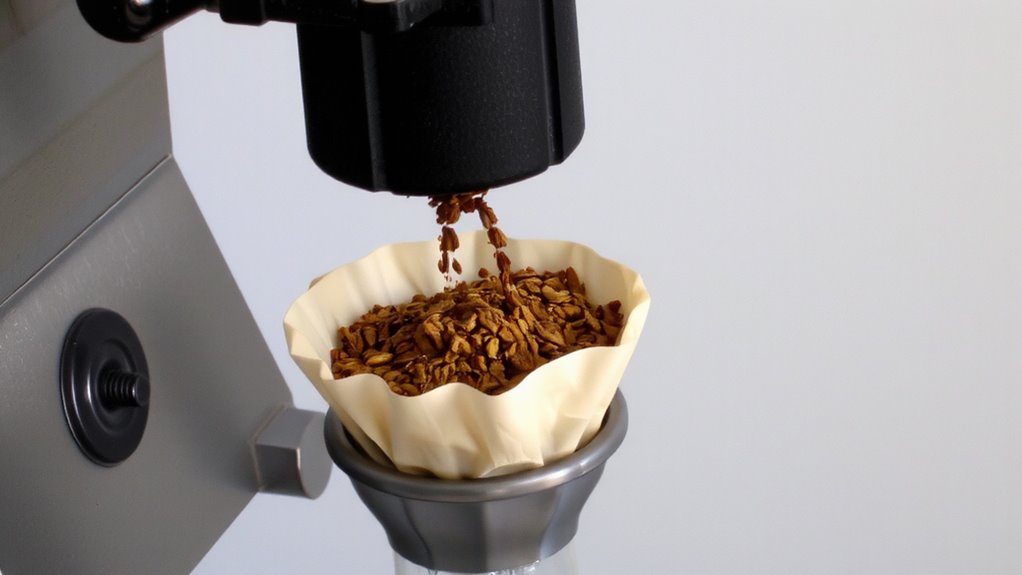
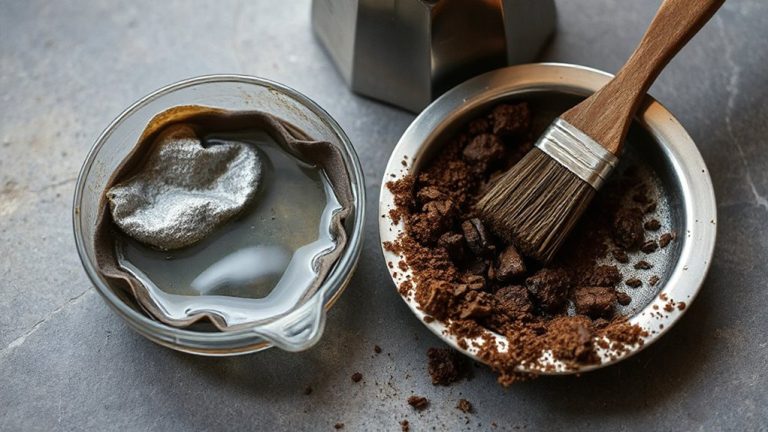
One simple and surprisingly effective fix for static-prone grinders is the paper filter trick-just place a dry paper filter in the portafilter or grind bin before dosing. The filter absorbs some static charge and gives grounds a surface to cling to, reducing flyaways. It works especially well with paper filter baskets or when using a paper towel wrap around the bin to catch stray particles. Some users pair this with aluminum foil grounding-taping a strip from the grinder chute to a grounded surface-to dissipate charge. While not all grinders need this, it helps most with plasticy models like the Baratza Encore or Fellow Ode. The paper filter trick is cheap, quick, and requires no modification. You’ll likely still see minor static, but spillage drops noticeably. Just remember: use a dry filter, not a wet one, or clumping may occur. This method won’t replace dedicated anti-static tools but is a solid first step.
Dose Right After Grinding: Don’t Wait
While you might be tempted to grind a few doses ahead for convenience, doing so increases the chances of static buildup and spillage-especially with grinders known for plastic components like the Baratza Sette or 1ZPresso models. Coffee grounds start clinging to surfaces almost immediately after grinding, and delaying dosing gives static more time to wreak havoc. For best results, use timing precision by dosing right after grinding. This means preparing your portafilter or dispersion tool in advance so you’re ready to go the moment grinding finishes. An immediate transfer reduces exposure and keeps more coffee where it belongs-inside the basket. You’ll lose less to the sides of the grinder or counter. Skipping this step might save a few seconds, but it often leads to messier, less consistent shots. Keep your workflow tight: grind, transfer, tamp. No pauses. That small window matters more than you think.
Keep Humidity in Check to Cut Static
You just finished grinding and moved fast to dose-good. But if your grounds are still flying everywhere, you’re likely battling static caused by poor humidity control. Dry air increases static, making grounds cling and spill. The fix? Keep indoor humidity between 40–60%-that’s the sweet spot for moisture balance in your environment. Too dry, and static spikes; too humid, and your beans risk staling faster. Use a small hygrometer near your grinder to monitor levels. A compact humidifier or dehumidifier can help if you’re off-target. Here’s how conditions affect your dose:
| Environment | Static Risk | Grounds Behavior |
|---|---|---|
| Dry (under 40%) | High | Clingy, scattered |
| Ideal (40–60%) | Low | Cohesive, easy to dose |
| Humid (over 60%) | Medium | Clumpy, slower flow |
Stable humidity control means reliable dosing. Keep that moisture balance steady.
Pick Low-Static Beans and Airtight Storage
Since static isn’t just about the grinder, choosing the right beans and how you store them plays a crucial role in minimizing mess during dosing. Your bean selection can make a big difference-darker roasts tend to generate less static than light roasts because they’re more conductive. Oily beans, while more prone to clumping, often reduce static cling compared to dry, porous ones. For storage solutions, airtight containers are essential. Oxygen and moisture increase static, so use containers like the Airscape or Fellow Atmos to keep beans sealed and stable. Avoid plastic bags or open bins, which allow airflow and raise static risk. Store your beans at room temperature, away from sunlight and heat sources. Consistent, controlled storage helps preserve bean quality and reduces dosing issues. Simple changes in bean selection and storage solutions can greatly cut down on spillage and waste. For even better results, consider pairing your storage routine with a high-quality coffee grinder designed to reduce static buildup during grinding.
On a final note
You can reduce static in your grinder by adjusting the grind setting slightly coarser and dosing immediately after grinding. Try the paper filter trick-place a filter in the portafilter before grinding-to catch clumps and minimize cling. Keep beans in airtight containers and consider low-static roasts. Control humidity; too dry increases static. Bluetick and Lagom grinders offer built-in anti-static features, but small tweaks often suffice.