The Step-by-Step Process for Re-Dialing After a Grinder Motor Overheat
Let your grinder cool for 20–30 minutes after overheating-high-performance models like the Niche Zero cool faster. Unplug it immediately to prevent electrical damage. Check for clogs in the burrs or chute, and inspect for wear or misalignment, especially on grinders like the Baratza Encore. Clean vents with a brush or compressed air to restore airflow. Restart after a 10-minute wait, run it empty, then test grind. If overheating persists, adjust your grind settings or dosing technique-you might discover a better workflow just ahead.
Notable Insights
- Stop using the grinder immediately and unplug it to prevent electrical hazards and allow the motor to cool safely.
- Wait 20–30 minutes for the motor to cool down naturally, avoiding external cooling methods that could cause condensation.
- Inspect for blockages in the burrs and grinding chamber, and check for damage like frayed wires or misaligned components.
- Clean ventilation vents and cooling fins with a brush or compressed air to ensure proper airflow and heat dissipation.
- Restart the grinder after a cooldown, run it empty briefly, test with a small grind batch, and monitor for issues.
Wait for the Motor to Cool Down
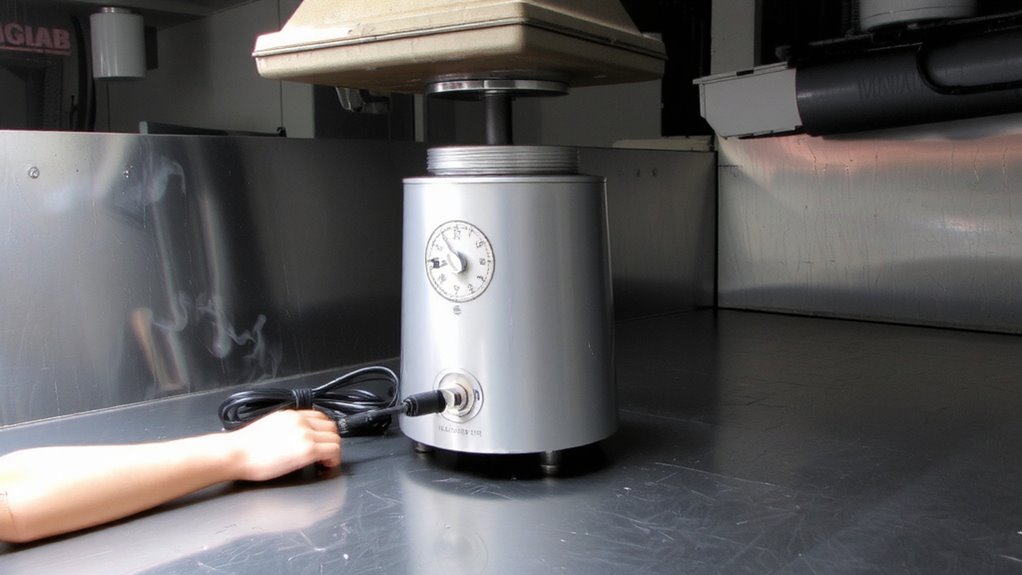
Once the grinder overheats, the first thing you need to do is stop using it and let the motor cool down. Continuing to run it risks damaging internal components and reduces grind consistency. High motor temperature can warp parts over time, especially in budget grinders with less heat-resistant materials. Letting it rest allows the internal heat to dissipate naturally. Most grinders need a cooling duration of 20 to 30 minutes, though high-performance models like the Niche Zero or EG-1 may recover faster due to better thermal design. Avoid placing the grinder in a fridge or using fans directly on vents-this can cause condensation. Wait until the casing feels room temperature. This isn’t just about safety; it preserves motor life and grind quality. Patience here prevents long-term issues and keeps your coffee routine reliable.
Unplug the Grinder Immediately
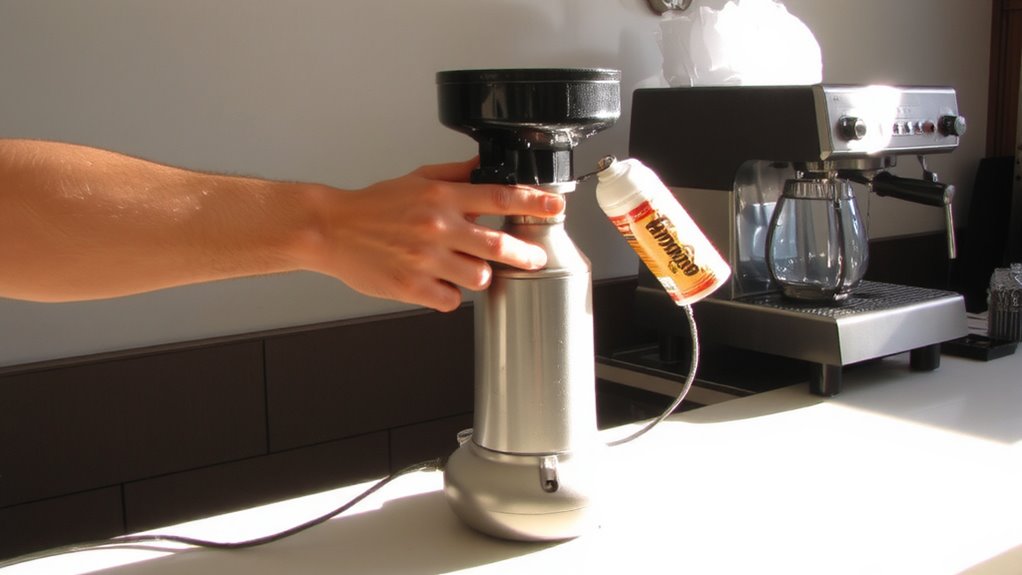
While the motor is cooling, you should unplug the grinder right away to prevent any electrical risks or accidental startups. This step is critical for electrical safety, especially since an overheated motor can compromise motor insulation, raising the chance of short circuits. Even if the grinder seems fine, leaving it plugged in increases danger unnecessarily. Unplugging it removes power completely, giving you a safe way to assess the situation. It’s a small action with real impact-protecting both you and the machine. Always handle the cord by the plug, not the wire, to avoid damage. If your grinder frequently overheats, consider whether you’re running it too long without breaks. Models like the Baratza Encore or Eureka Mignon are built with thermal protection, but they’re not immune to risk. Unplugging reinforces basic safety habits every coffee enthusiast should follow.
Check for Blockages and Damage
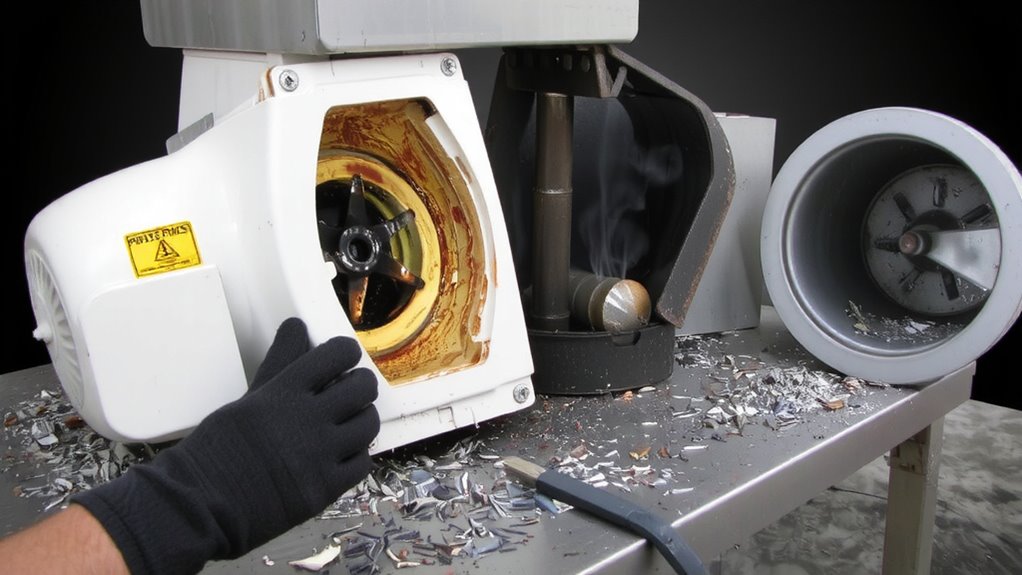
What’s clogging your grinder now could cause bigger issues later-so why wait to find out? Start by inspecting the burrs and chute for coffee buildup or foreign debris. Blockages force the motor to work harder, increasing heat and wear. While you’re at it, perform a basic motor inspection-look for signs of burning, frayed wires, or unusual resistance when turning the burr manually. These could signal deeper problems. Next, check the blade alignment, especially on flat burr grinders. Misaligned blades create uneven grinding and add strain on the motor. Twist-off burr carriers should sit flush without wobbling. If realignment doesn’t help, consult your model’s service guide-some, like the Baratza Encore or EK43, have adjustment screws for precision. Skipping this step risks inconsistent grind size and repeated overheating. Fix it now, or you’ll pay more later. For those considering a switch to manual grinding to avoid motor issues altogether, a high-quality manual espresso grinder can offer precise control without the risk of overheating.
Clean the Ventilation System
You’ve already checked for blockages and inspected the motor, but heat buildup doesn’t just come from grinding too much coffee or a jammed chute-poor airflow plays a big role too. Dust accumulation blocks vents and fans, reducing airflow efficiency and causing the motor to overheat faster. Cleaning the ventilation system isn’t hard, but it’s often overlooked. Use a small brush or compressed air to remove coffee particles from intake vents, exhaust ports, and cooling fins. For grinders like the EK43 or Fiorenzo, regular vent cleaning prevents long-term heat stress.
| Condition | Airflow Efficiency | Emotional Impact |
|---|---|---|
| Clean vents | High | Relief |
| Slight dust | Reduced | Frustration |
| Half blocked | Low | Stress |
| Fully clogged | None | Panic |
| Regularly maintained | Consistent | Confidence |
Neglecting this step risks repeated shutdowns-even with no blockage present.
Restart the Grinder Safely
After cleaning the ventilation system, it’s time to restart the grinder safely. Unplug the unit and wait 10–15 minutes to allow the motor to cool completely-this cooling period supports proper motor calibration when you restart. Then perform a power cycling process: plug the grinder back in, turn it on, and let it run empty for 15 seconds. Listen for irregular noises or vibrations, which could indicate lingering issues. Avoid loading beans immediately; instead, test with a small batch to check grind consistency. If the motor struggles or overheats again, stop use and consult the manufacturer. Not all grinders handle repeated power cycling the same-some, like the Baratza Encore, tolerate it well, while others, such as older Rancilio models, may need longer cooldowns. Always follow the maker’s guidelines to maintain performance and avoid damage.
Prevent Future Overheating Issues
While consistent grinding is essential for quality brew, pushing your grinder too hard can lead to overheating over time-especially with high-demand use. To avoid this, let the motor rest between back-to-back grinds, especially if you’re running large batches. Perform regular inspections of the burrs and motor housing to check for buildup or wear-cleaning them monthly keeps things running smoothly. Make sure airflow around the grinder isn’t blocked; models like the Baratza Encore or Eureka Mignon need space to dissipate heat. Store your grinder in a cool, dry place and guarantee it’s unplugged when not in use-this supports proper storage and safety. Avoid grinding continuously for more than a few minutes without breaks. These steps reduce strain, extend motor life, and maintain grind quality over time. For those seeking reliable performance without breaking the bank, consider one of the best espresso grinders under $500.
On a final note
Let the grinder cool completely before doing anything-never rush this step. Unplug it, check for clogs or worn parts, and clean the vents to keep air flowing. Once clear, plug it back in and restart gently. To avoid repeat issues, don’t run long batches nonstop; Baratza Encore and Fellow Ode users often see fewer problems with short, spaced grinding sessions. Prevent overheating by using the right grind setting and keeping your machine clean.