Grinder Too Fast or Slow? Fix Burrs, Brushes & Gears
If your grinder feels sluggish or runs too fast, check the burr alignment first-misaligned blades cause uneven grinding and strain. Worn motor brushes, common in models like the Baratza Encore, can lead to inconsistent speed; replace them every 50–100 hours. Guarantee a stable power supply using a dedicated outlet, and clean clogged vents to prevent overheating. Test the speed switch with a multimeter if issues persist-faulty contacts disrupt control. More fixes follow.
Notable Insights
- Check blade alignment to ensure even grinding and prevent speed inconsistencies caused by resistance.
- Inspect and replace worn motor brushes to restore proper electrical contact and consistent motor performance.
- Plug the grinder into a dedicated outlet to eliminate speed issues from voltage drops or circuit overload.
- Clean clogged vents and cooling fins regularly to prevent overheating that leads to motor slowdown.
- Test the speed control switch with a multimeter and replace if faulty to ensure accurate speed regulation.
Check Common Causes of Grinder Speed Problems
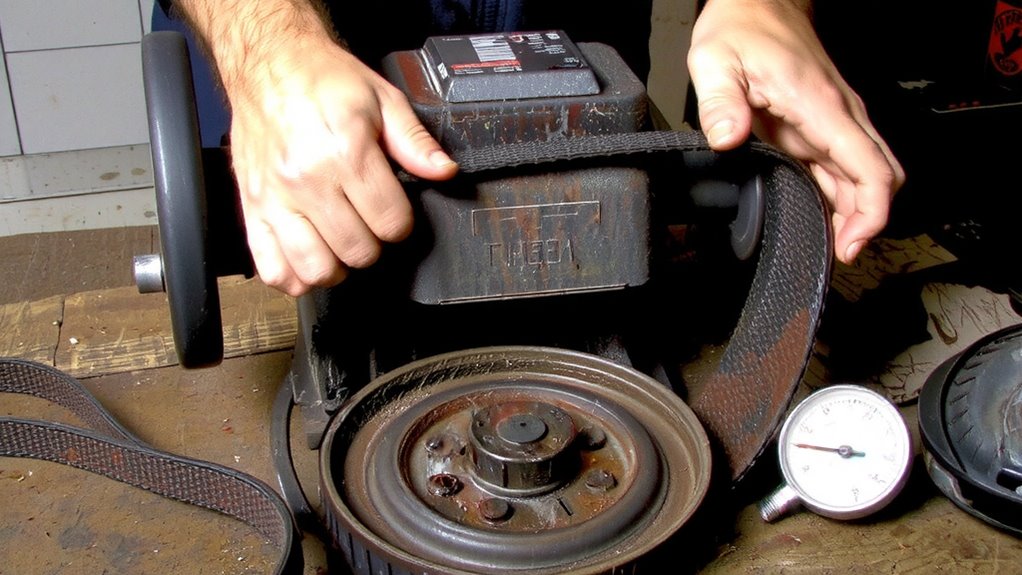
Why does your grinder suddenly feel sluggish? First, check blade alignment-misaligned blades create uneven grinding and increase resistance, slowing performance. You might notice inconsistent particle size or hear unusual grinding noises. A quick visual inspection can reveal if the top burr is off-center or wobbling during operation. Next, consider gear wear, especially in plastic-geared grinders like older Baratza Encore models. Over time, repeated use degrades gears, reducing torque transfer and speed. If your grinder runs fine under no load but slows when grinding, worn gears are likely the culprit. Metal gears, found in models like the Niche Zero, resist this better but aren’t immune. Unlike motor brush issues, these mechanical flaws need physical correction. Realign blades carefully using manufacturer guides, or replace damaged gears promptly. Ignoring these issues worsens strain, shortens lifespan, and harms grind consistency-critical for balanced coffee extraction. Act early for reliable performance. For more precision and durability, consider upgrading to a mill grinder with metal burr design for long-term performance.
Inspect and Replace Worn Motor Brushes
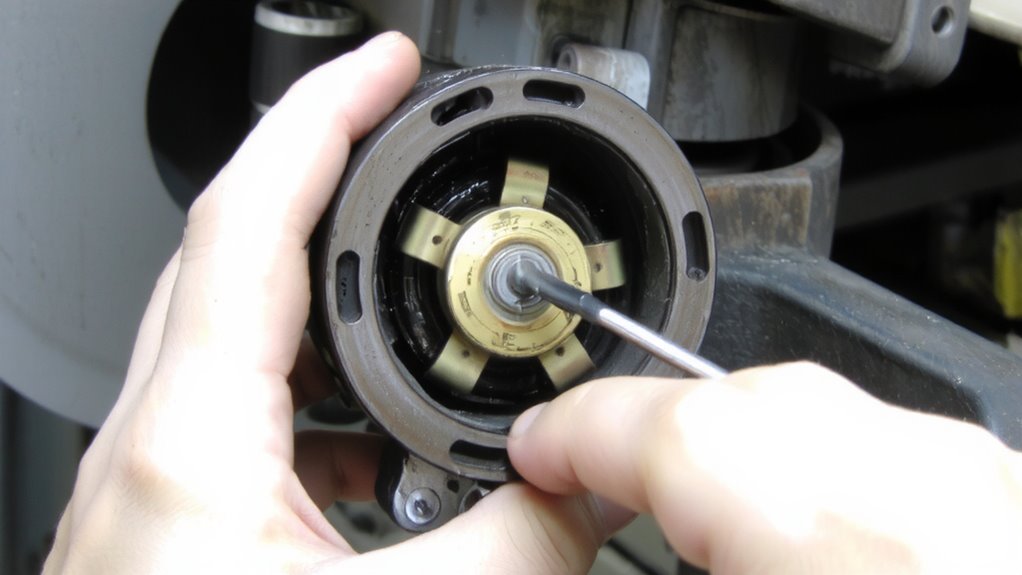
How often do you think about the small parts keeping your grinder running smoothly? Motor brushes are critical, yet often overlooked. Over time, brush wear reduces efficiency and can cause inconsistent grinding speed. These carbon blocks maintain electrical contact with the motor’s commutator, helping power transfer. When they wear down, the connection weakens, leading to poor performance or stalling. Most grinders use standard carbon brushes, like those in Makita or Bosch models, which you can inspect every 50–100 hours of use. Remove the brush caps and check length-replace them if they’re less than 1/4 inch long or show heavy wear. Installing new brushes restores proper electrical contact and motor response. Replacement brushes are usually inexpensive and model-specific. Skipping this step might mask motor issues, so don’t ignore brush wear-it’s a quick fix that keeps your grinder running true.
Fix Power Supply Issues Affecting Speed
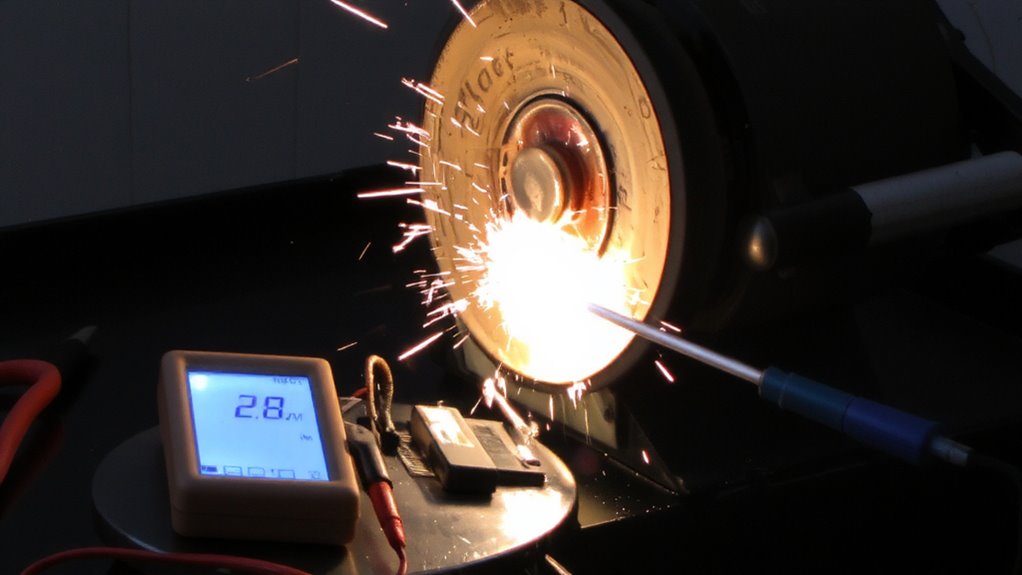
Ever wonder why your grinder sputters or slows mid-brew? Power supply issues could be to blame. Voltage fluctuations or a circuit overload can mess with motor performance, causing inconsistent grind speeds. Check if other high-wattage appliances are running on the same circuit-this often triggers a circuit overload. Plug your grinder into a dedicated outlet to stabilize power delivery. Investing in high-quality coffee gear ensures better-built motors and electrical components that handle power demands more efficiently.
| Issue | Cause | Fix |
|---|---|---|
| Slow grinding | Voltage fluctuations | Use a surge protector with voltage regulation |
| Intermittent speed | Circuit overload | Move grinder to a separate circuit |
| Motor strain | Shared outlet | Avoid multi-plug adapters for heavy-duty use |
Stable voltage guarantees consistent grinding. Don’t rely on extension cords or power strips meant for low-draw devices. If lights flicker when the grinder starts, that’s a red flag. Address power supply first before assuming motor failure.
Clear Clogged Vents and Cooling Fins
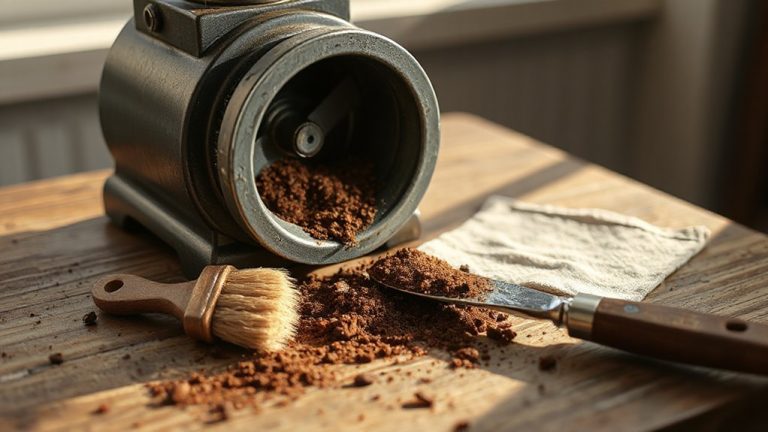
A steady power source keeps your grinder running smoothly, but even with clean voltage, overheating can still derail performance. That’s often due to airflow restriction caused by dust accumulation in vents and cooling fins. Over time, coffee particles clog these areas, trapping heat and forcing the motor to slow down or shut off. You’ll notice this more during extended grinding sessions. To fix it, unplug the grinder and use a soft brush or compressed air to clean all exterior vents and fins. Focus on models like the Baratza Encore or Fellow Ode, where buildup commonly hides around the motor housing. Don’t skip tight spots-dust loves to settle there. Regular cleaning every few weeks prevents long-term damage and maintains consistent speed. If airflow stays blocked, internal components wear faster. Clearing vents isn’t a one-time fix. Make it part of your routine to avoid heat-related slowdowns. For optimal results, consider upgrading to one of the best espresso grinders recommended by experts, which often feature improved thermal management.
Test the Speed Control Switch and Motor
Why does your grinder suddenly feel sluggish or fail to start at all? The issue might be with the speed control switch or motor. First, check if the switch clicks smoothly-gritty or stiff movement suggests wear. A faulty switch disrupts voltage regulation, causing inconsistent motor performance. Use a multimeter to test for continuity; no reading means it’s time for a replacement. Next, inspect the motor. Listen for unusual hums or overheating, which point to increased internal resistance. Over time, windings degrade, reducing efficiency. For DC motors, check brushes-they wear down and limit current flow. If your grinder runs slow even after cleaning vents, these components are likely culprits. Replacing a bad switch or motor isn’t always cost-effective. With high-end models, repairs make sense. For budget grinders, consider upgrading. Always unplug before testing or replacing parts.
On a final note
If your grinder’s running too fast or too slow, start by checking the motor brushes-they wear down and affect speed. Confirm the power supply is stable; weak voltage causes sluggish performance. Clean clogged vents to prevent overheating. Test the speed control switch with a multimeter if settings don’t hold. For older grinders like the Baratza Encore, replacing worn parts often fixes issues. Regular maintenance keeps grinders consistent and extends life.